Invoice capture
AP breaks at intake. Start there.
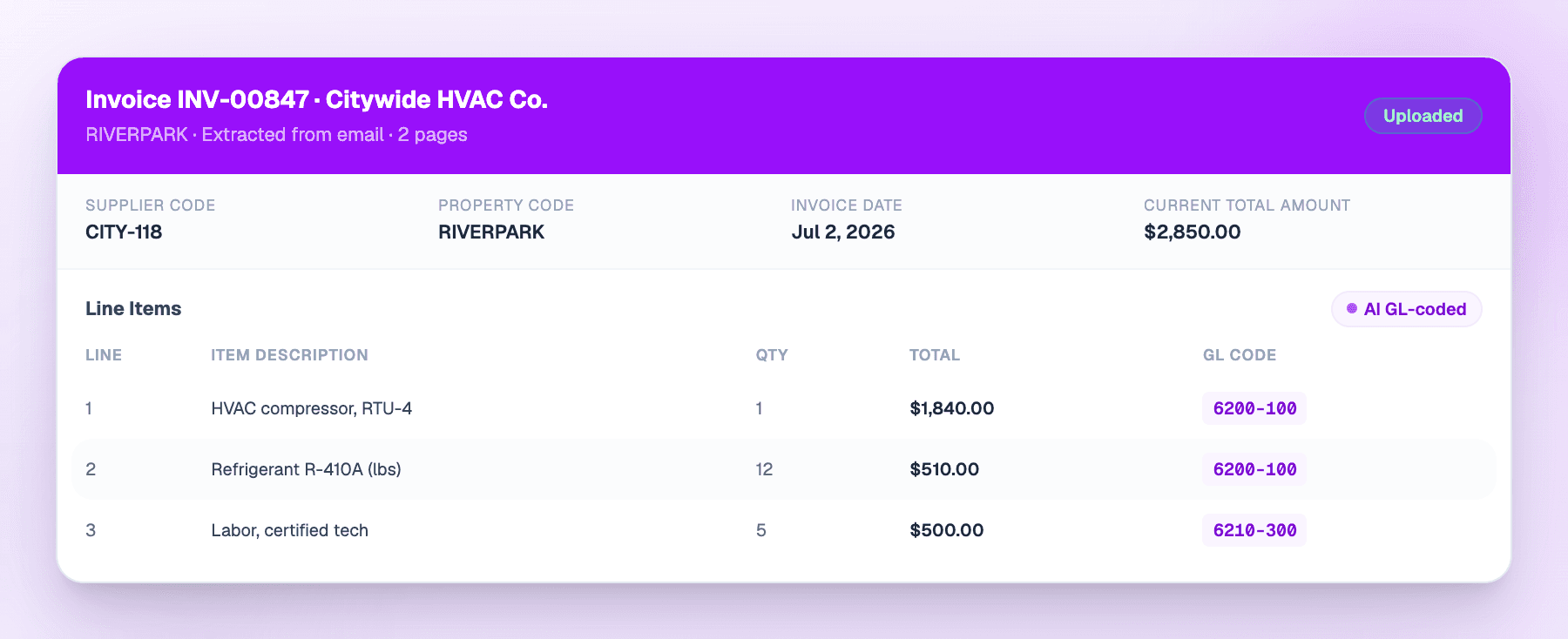
Most invoice automation assumes a clean single-page PDF from a vendor with a billing department. Property management does not work that way. BillRoute captures what actually arrives.
98% of invoices at a 24,000 unit portfolio require no human touch.
Sources
Three ways in. No re-keying.
Invoices reach BillRoute however they already reach you.
Vendor email
Invoices arrive at an address your vendors already use. Nothing to install on their side, no portal for them to learn.
Direct upload
Drag a stack in. On-site teams upload from the property without routing anything through corporate AP first.
Vendor portals
Invoices pulled from the portals larger suppliers publish to, so nobody has to log in and download them by hand.
The hard cases
The documents that stall every other tool.
These are the ones that make AP slow in multifamily. They are also the ones most capture tools quietly hand back to you.
Batch PDFs
A vendor staples 9 invoices for 9 properties into one file. BillRoute detects the boundaries and assigns pages to invoice groups. A person approves the split before it posts.
Handwritten invoices
Field vendors write invoices by hand and photograph them. Those get read and extracted alongside the digital ones instead of landing in a pile for someone to key.
Documents that are not invoices
W-9s, certificates of insurance, statements, and delivery notes get recognized and routed out of the payable queue.
Duplicates
A resubmitted invoice gets flagged before approval, not after payment. Catching it later means a vendor credit and a reconciliation.
One of these has the whole document on a page of its own. See a handwritten pad invoice read and coded, with the six places a printed-invoice pipeline breaks marked on the scan.
The error queue
Only what needs a person.
Capture that claims a 100% success rate is hiding its failures in your GL. The useful number is how few invoices reach a human, and whether the ones that do arrive with the reason attached.
Supplier code mismatch against the supplier master
Property code mismatch against the chart of accounts
Price mismatch against the matched purchase order
Missing invoice number
Failed extraction, with the original file one click away
Of every 100 invoices
- Post with no human touch
- 98
- Reach this queue
- 2
Measured across every document type at a 24,000 unit portfolio. The 2 arrive here with the failure named, one of the five to the left.
FAQ
Capture questions
Do vendors have to change how they send invoices?
Is the batch PDF split automatic?
What happens to a document that is not an invoice?
What if extraction gets a field wrong?
Which systems does capture feed?
Bring us last month's invoices.
Including the handwritten ones and the batch PDFs. We will show you what comes back coded and what lands in the error queue.